Stock prices on demand in Slack
TickerPal

Retrieve the price of any stock with the slash command /ticker followed by the symbol you want, such as /ticker AAPL.
Beyond the latest price you can open a chart and see open, high, low, volume, and other daily metrics.
Lookups stay private until you tap Share, then the quote posts to your channel for the rest of the team.
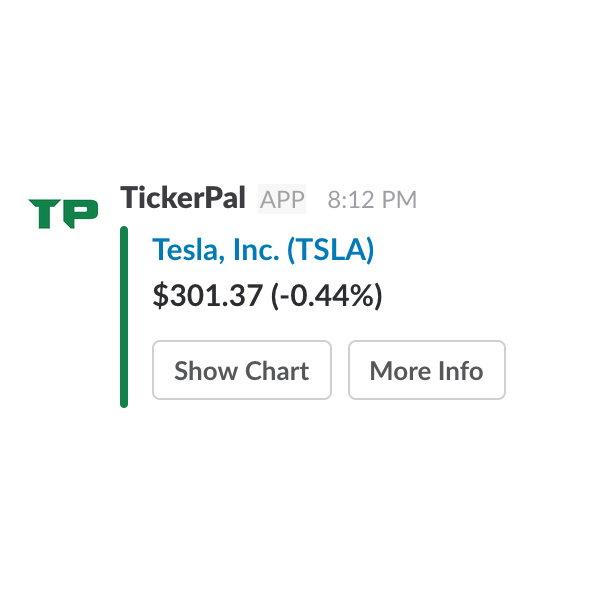
Retrieve the current price of a stock by using the slash command /ticker followed by the ticker you are interested in.
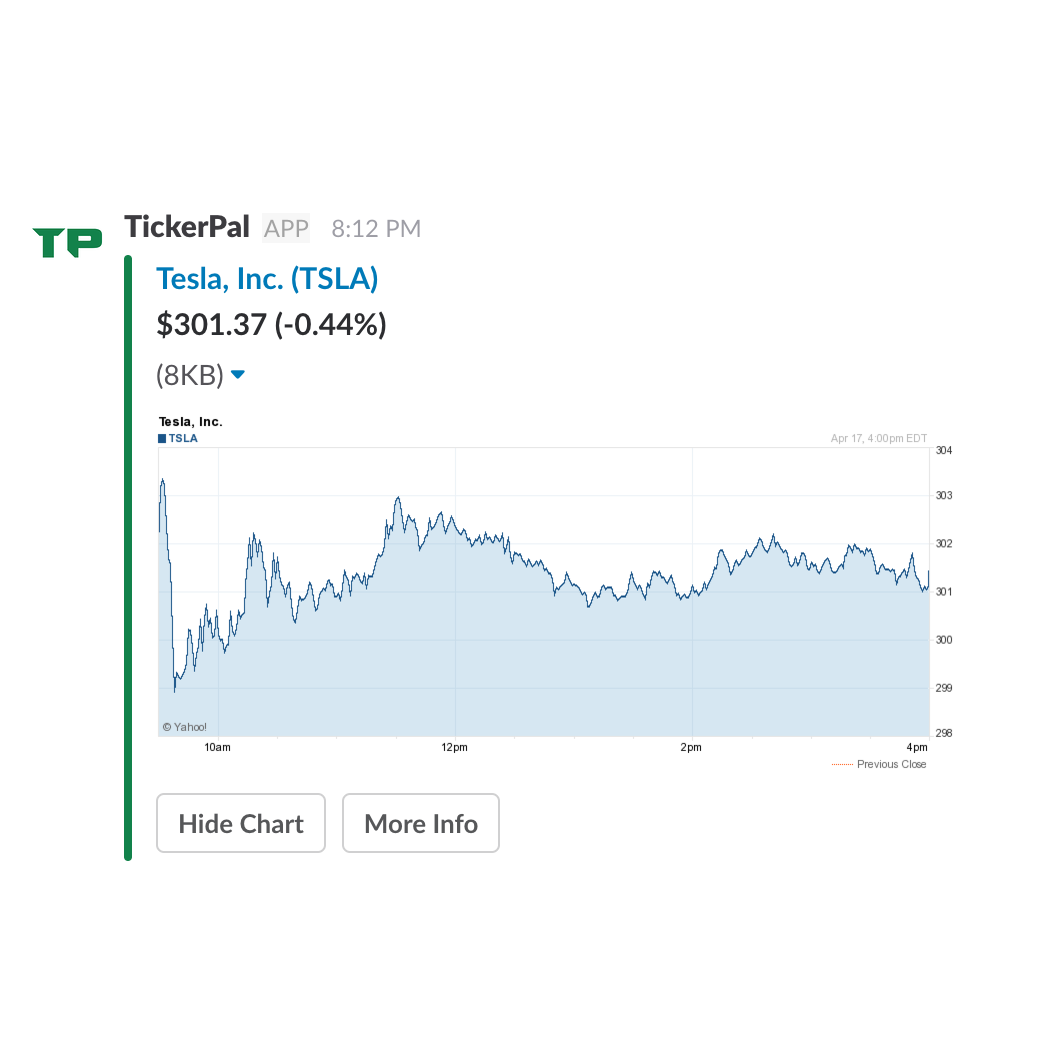
In addition to the current price, open a daily chart that tracks the name throughout the session.
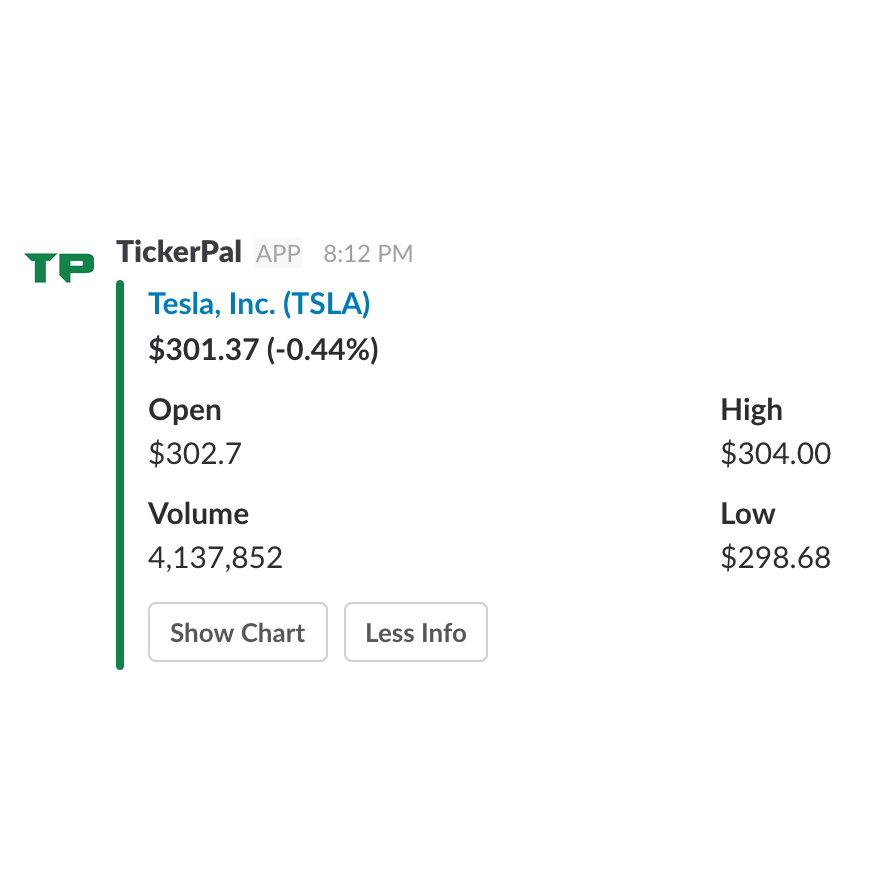
See the opening price, volume, and the high and low for the day alongside the last trade.
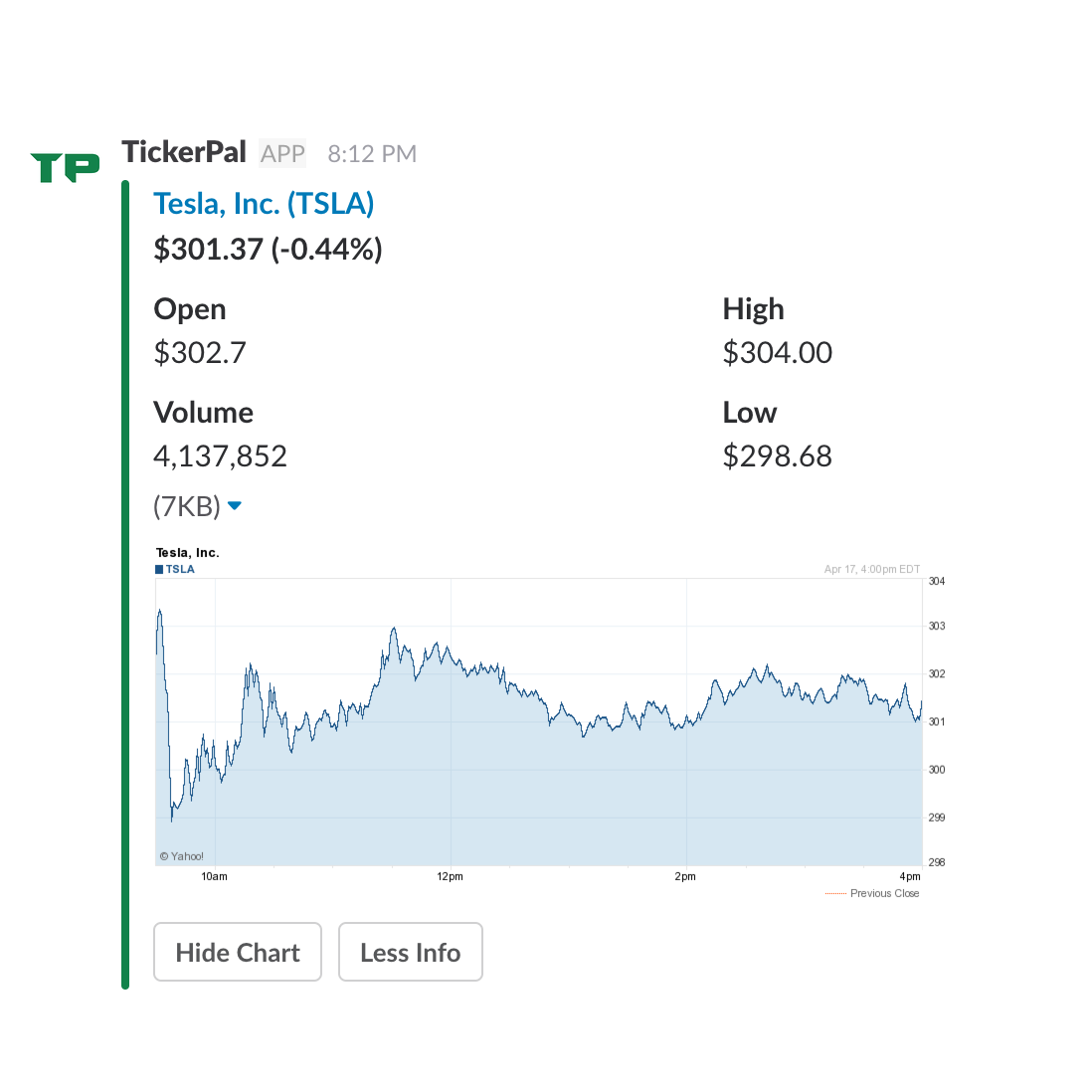
Tap Share once you have the quote you want and post it to the channel.
Add names with Add to Watchlist. TickerPal DMs a recap after the 4pm ET close on weekdays by default. You can also turn on open or midday recaps, set a percent-move alert, or run /ticker report anytime.
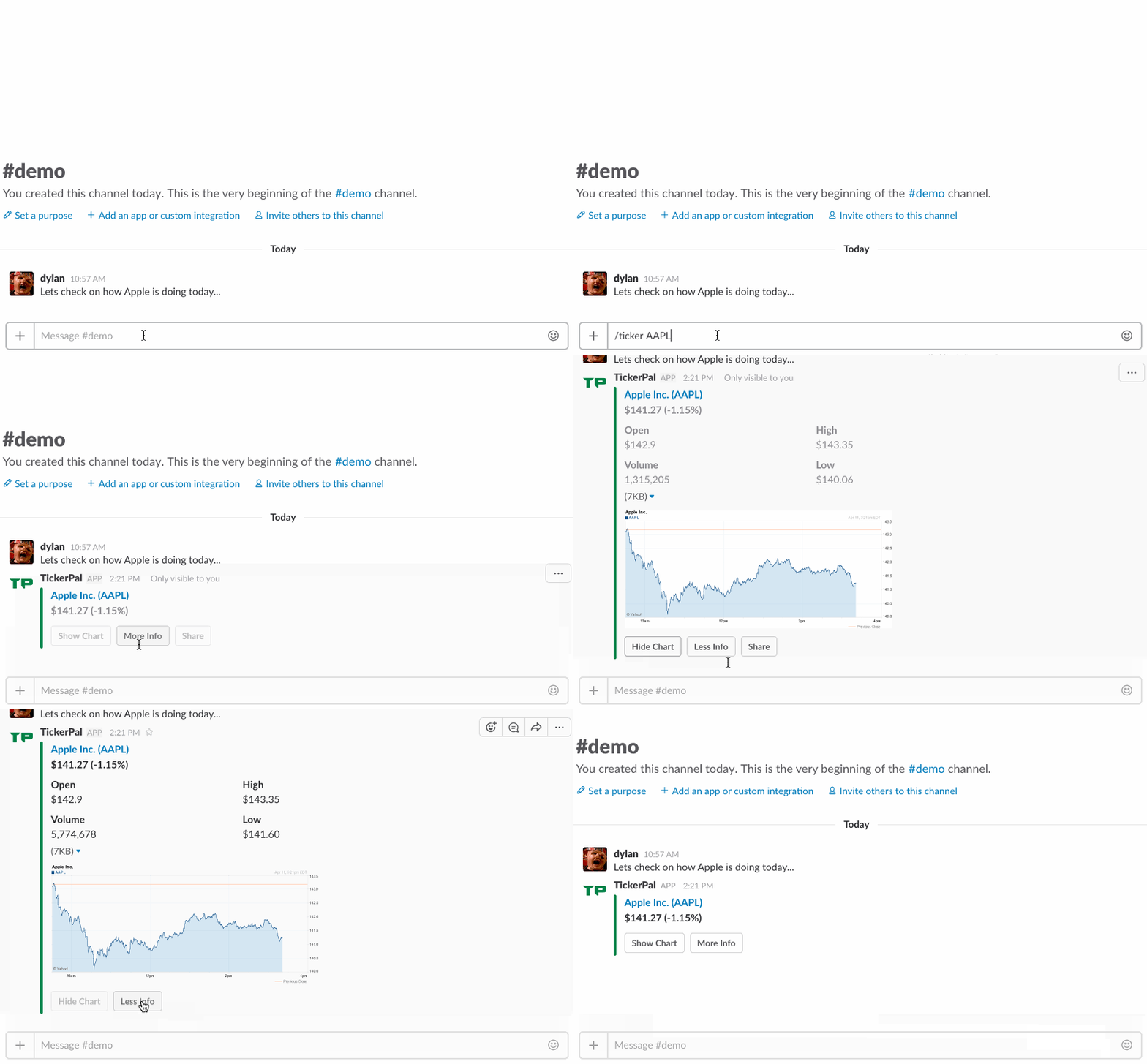
Quotes start out visible only to you. Share them with the channel when you are ready.
Install the app, run /ticker AAPL, open charts, and set up a watchlist.
Look up Bitcoin and other USD pairs with /ticker BTCUSD.
Follow a watchlist and get a weekday recap after 4pm Eastern.
Public quote pages for widely followed names, including Apple, Microsoft, and NVIDIA.
Commands, crypto and FX lookups, sharing, and how watchlists work. All guides.